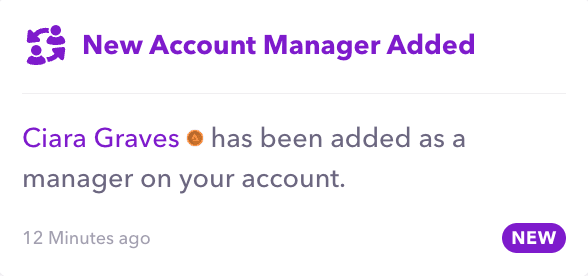
Do you work with or manage multiple Audius artists?
If you're an artist's manager or an artist with multiple projects, switching between accounts on Audius is now easier than ever before with Manager Mode!
Adding an Account Manager
Step 1
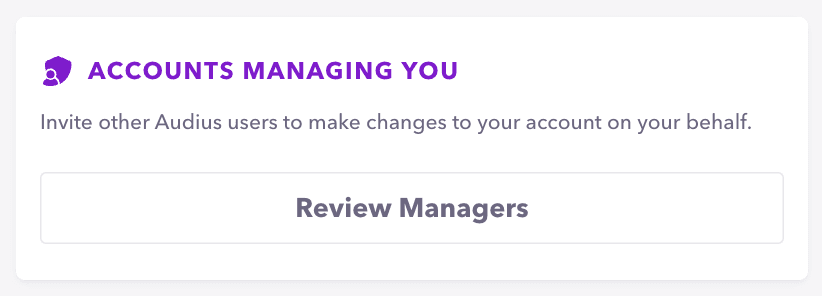
Go to your account's 'Settings,' scroll down to 'Accounts Managing You' and click 'Review Managers' to invite the account(s) you wish to grant access to.
Reminder: Account Managers can modify your profile, change your account preferences as well as upload, delete, or modify content on your behalf. Only invite people you trust to access your account.
Step 2
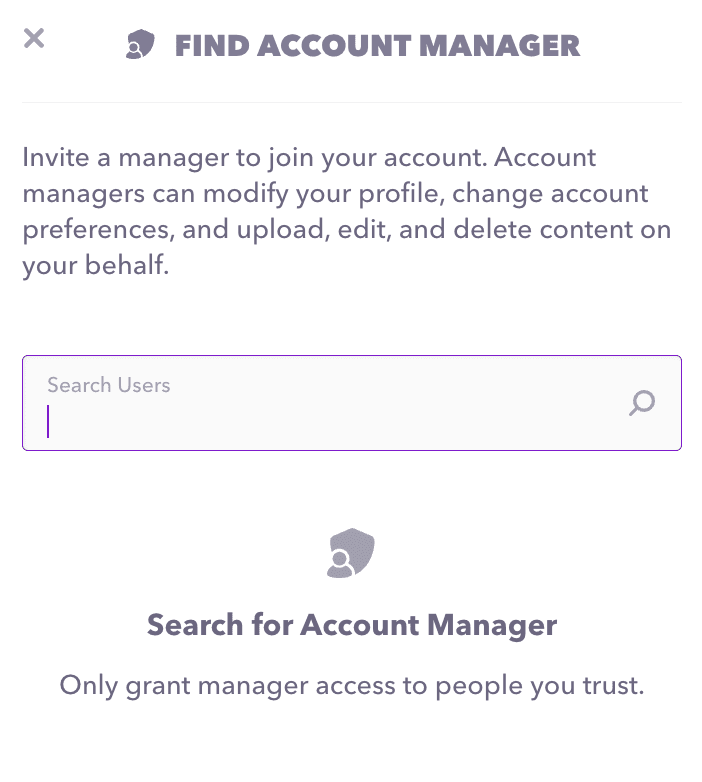
Search for the account(s) you wish to give access to your account by typing in their username. You will be able to confirm once more before sending the invite.
Step 3
The invited user will receive a notification in their Audius account and on email to accept the invite to manage your account. It will remain a pending invitation until they accept. Upon accepting, they will have access to your account which you can modify at any time from the same place in your account's 'Settings.'