Creating an Audius account on web takes just a few steps. You’ll enter your email, create a password, choose a handle, set a display name, and then complete the optional onboarding steps.
Sign up on web
-
Go to audius.co/signup.
-
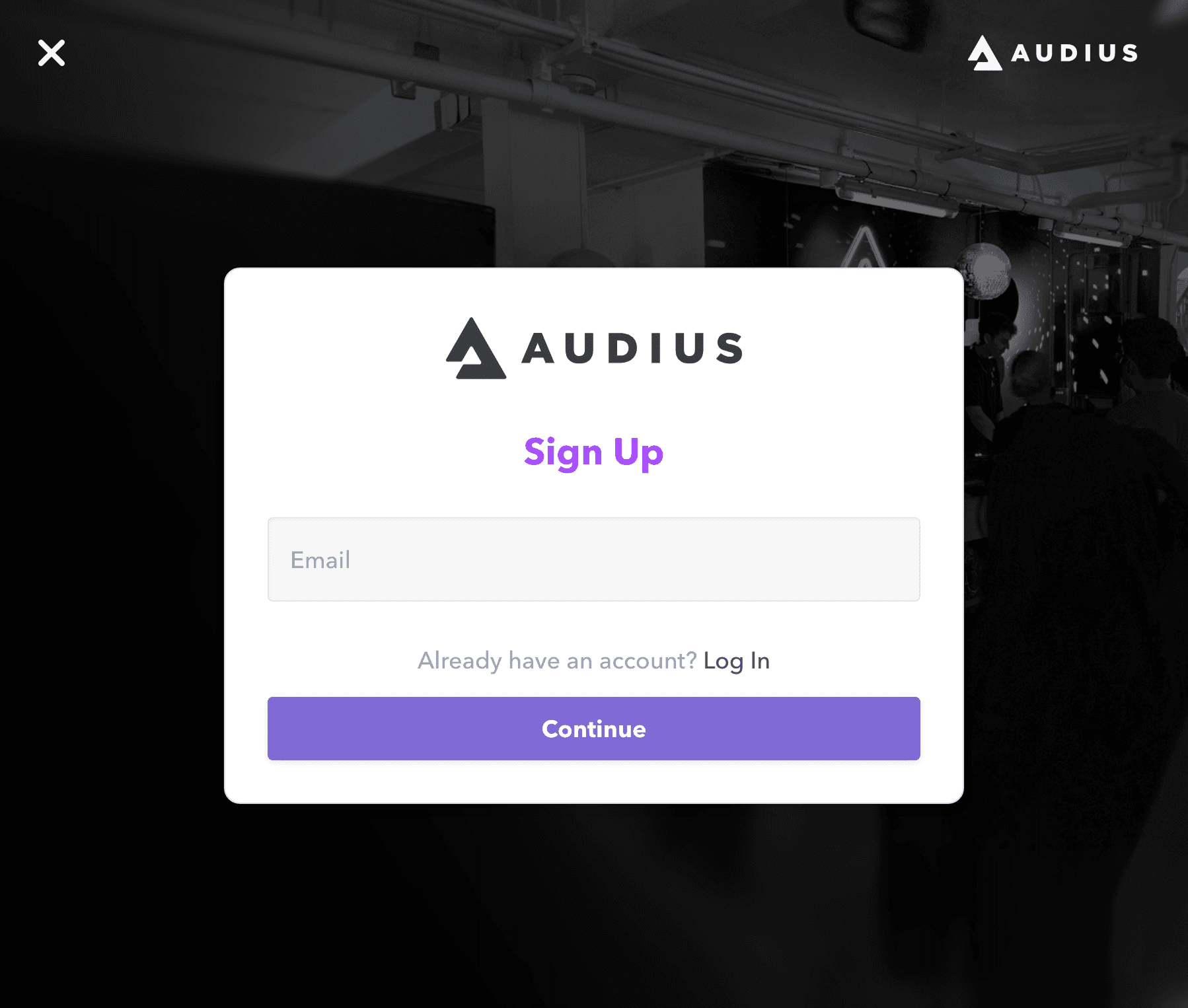
Enter your email address and click Continue.
-
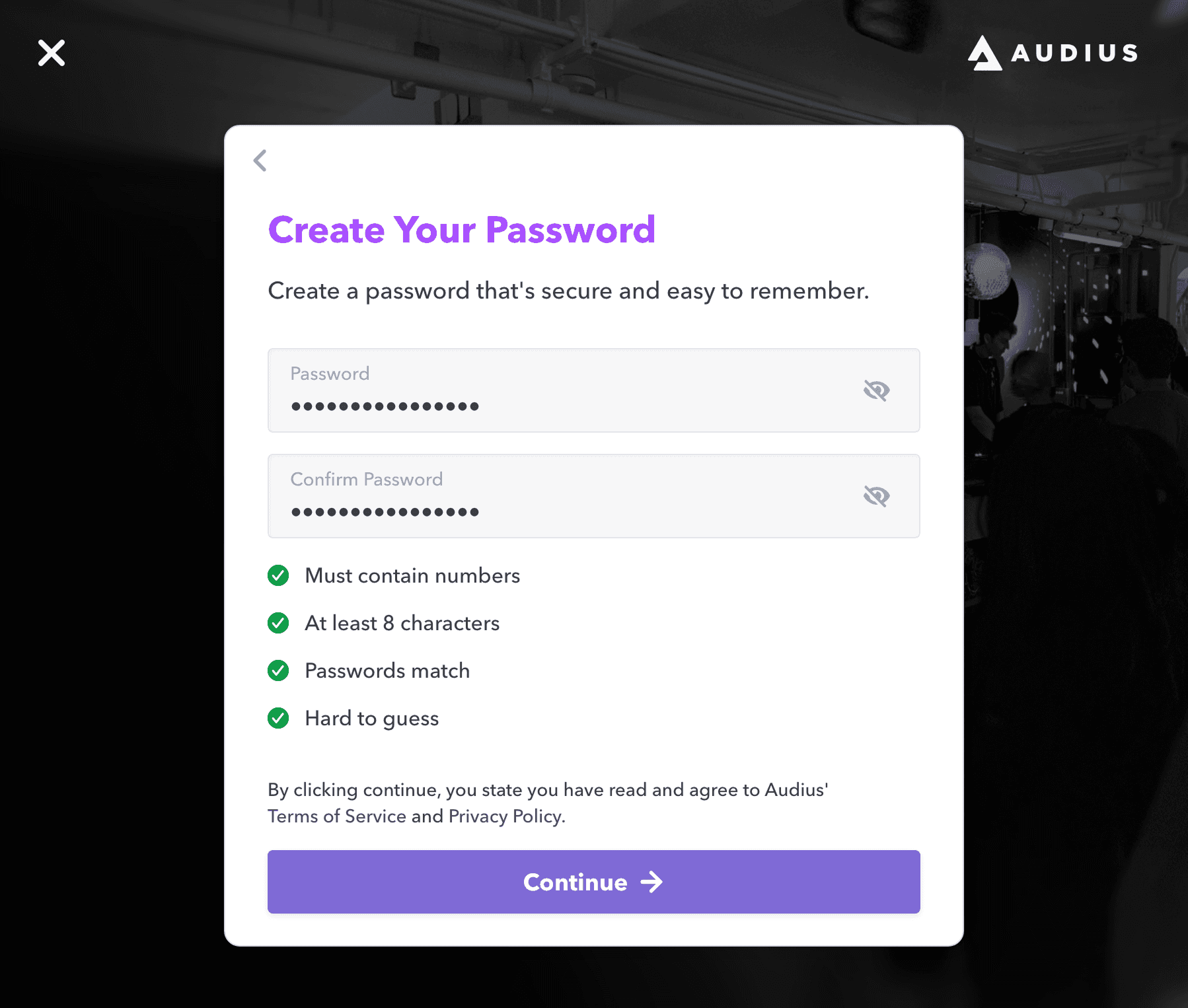
Create and confirm your password, then click Continue.
-
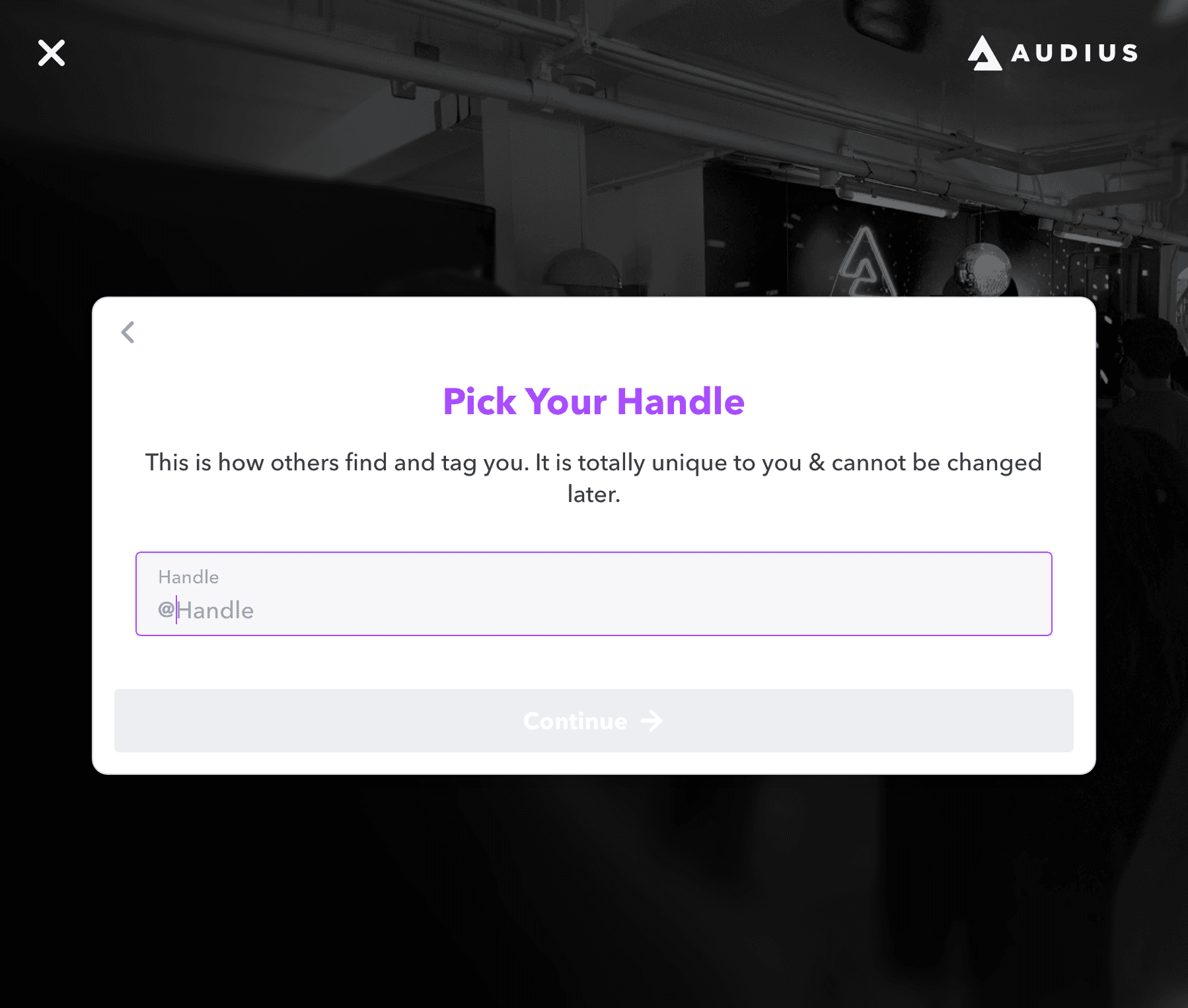
Choose your handle and click Continue.
Your handle is unique and cannot be changed later.
-
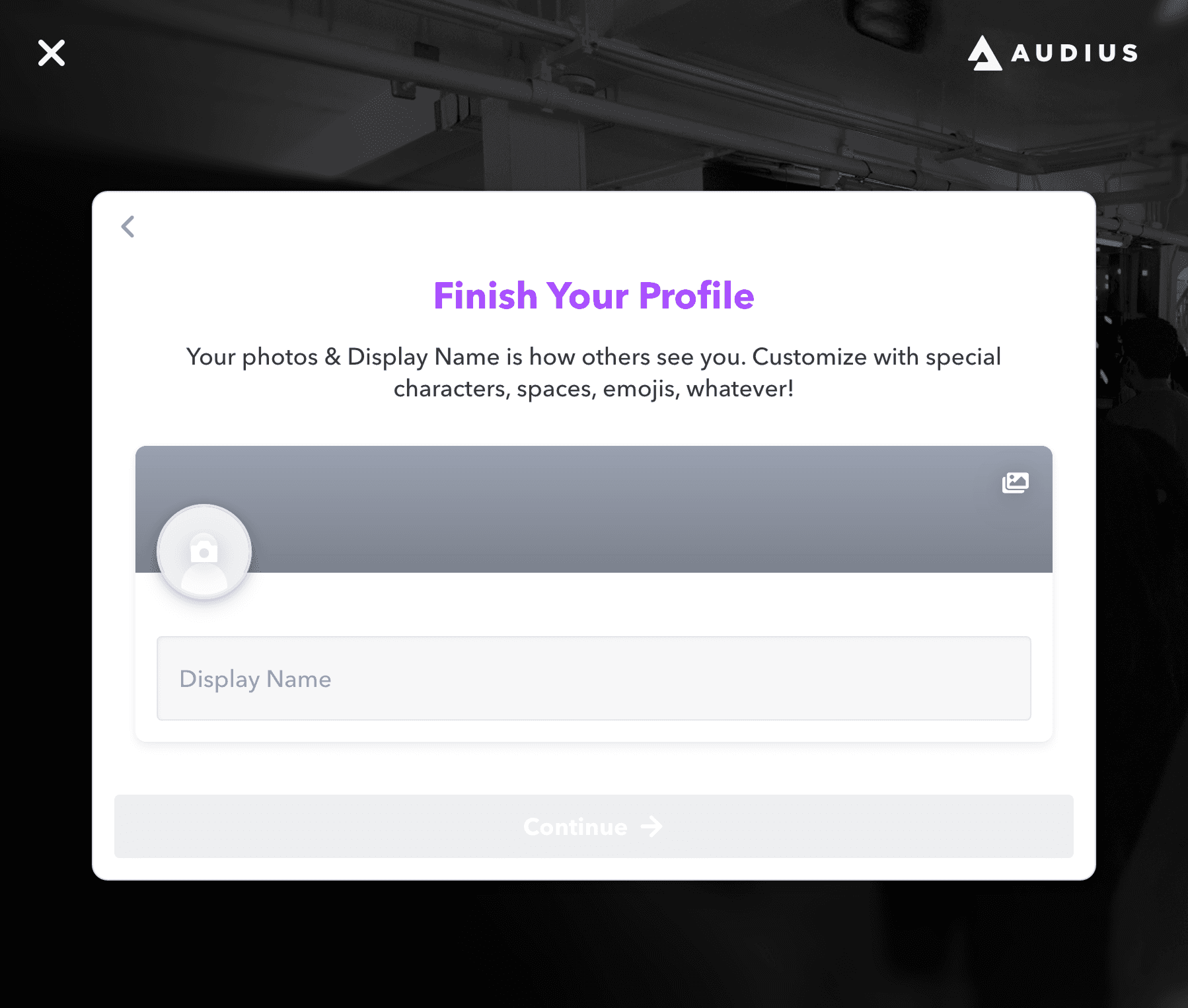
Enter your display name and click Continue.
Your display name is how your profile appears across Audius, and it can be updated later.
-
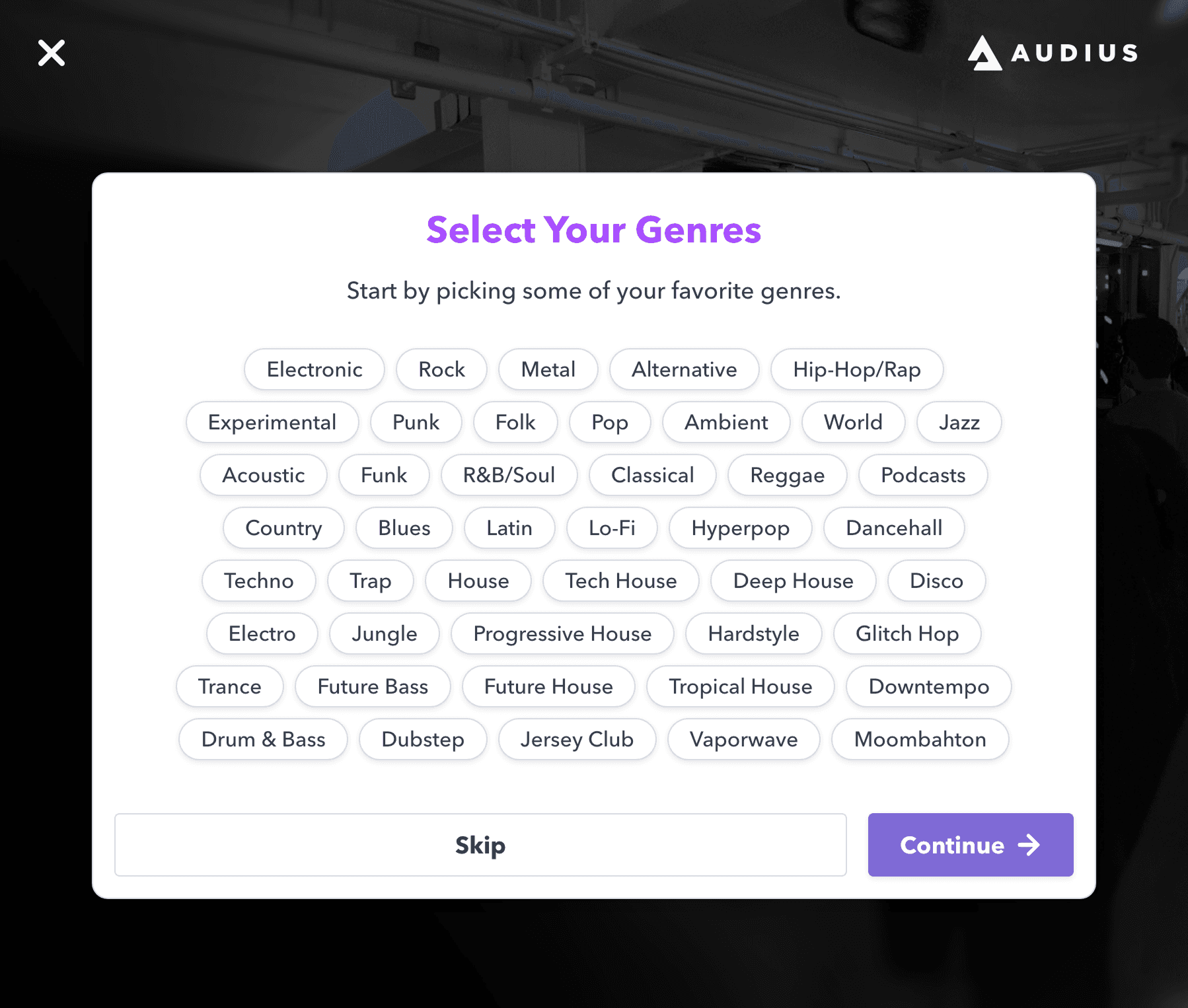
Optionally select your favorite genres and click Continue, or click Skip.
-
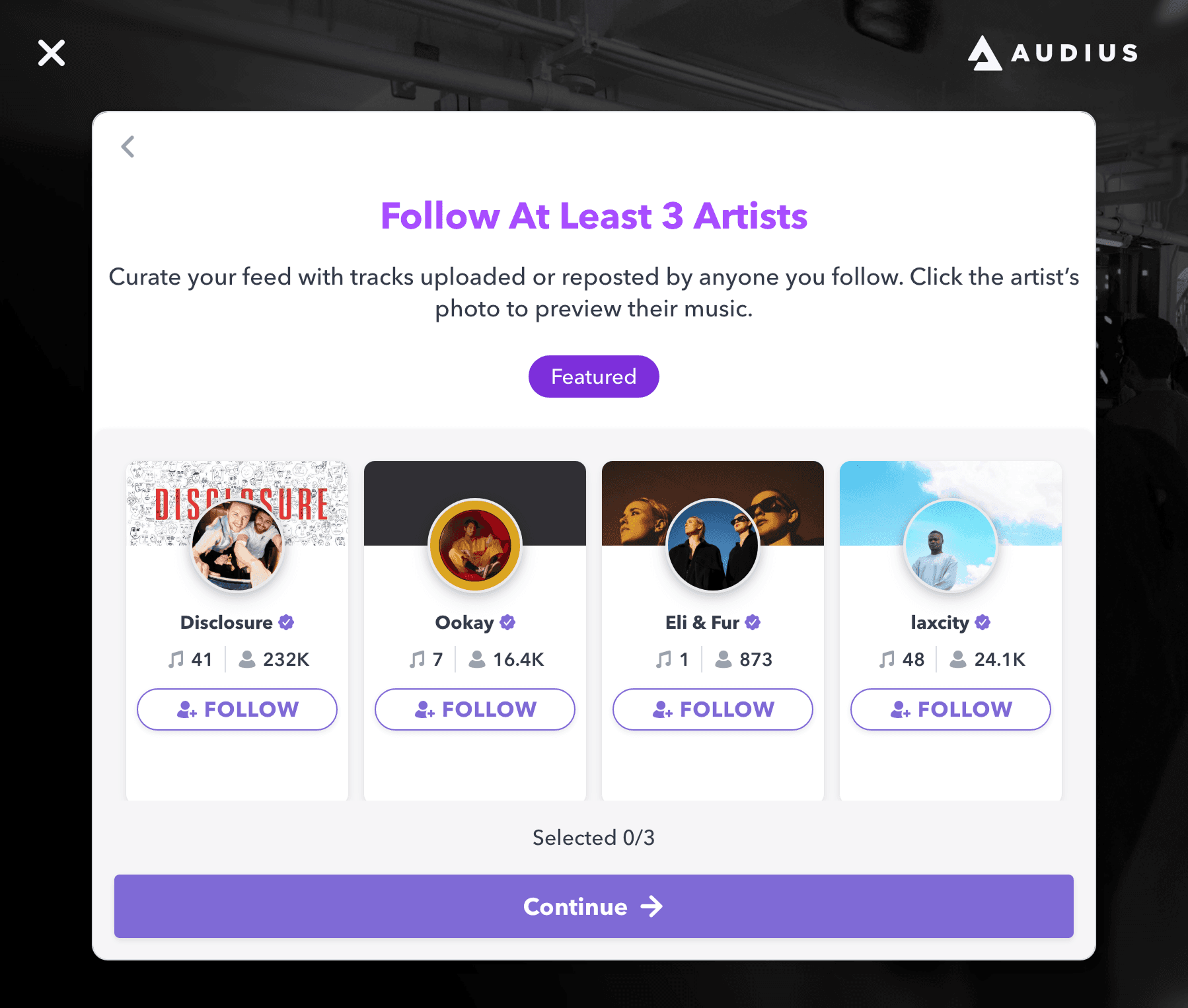
If prompted, follow artists to personalize your feed and click Continue.
Once you finish sign-up, you’ll land in Audius and can start discovering music, following artists, and building your profile.
If you’re an artist, you can apply for Verification to unlock features like Fan Clubs and Message Blasts. When you’re ready to upload, see Supported File Types for information on accepted audio formats.